Kefli
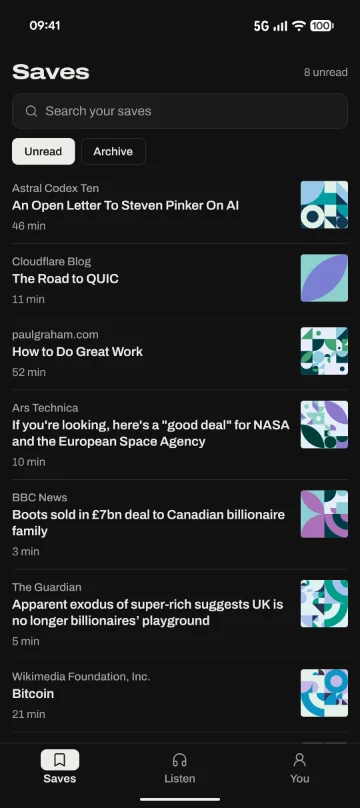
Save
Save it
Share a link from any app on your phone, or click the extension in Chrome or Firefox. Kefli fetches the article and keeps the text.


Save it now. Read it when you want.
A free read-it-later app. Save articles from anywhere, read them without the clutter, or listen while you do something else. Your library is encrypted with a key only you hold, so it stays yours even if we don't.
Share a link from any app on your phone, or click the extension in Chrome or Firefox. Kefli fetches the article and keeps the text.
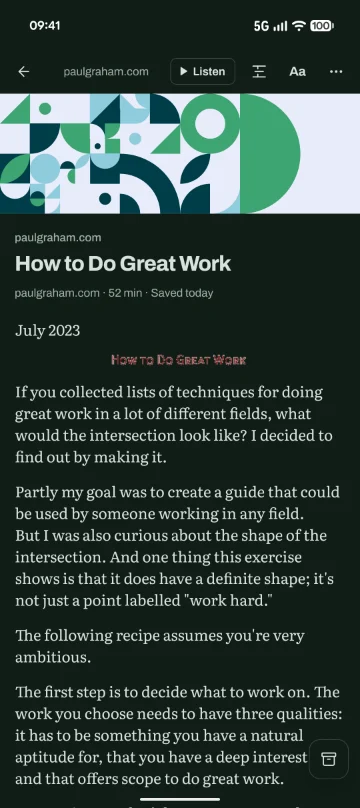
Just the words and pictures, laid out for reading, with the rest of the page stripped away. It's stored on your phone, so it reads the same on a train with no signal.
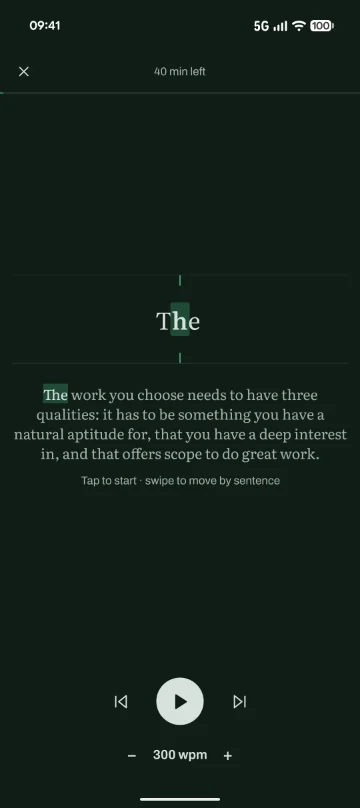
Speed reading works by showing words one by one in a fixed spot, aligned so your eyes never have to jump. It pauses at the end of each sentence so the meaning has time to settle.
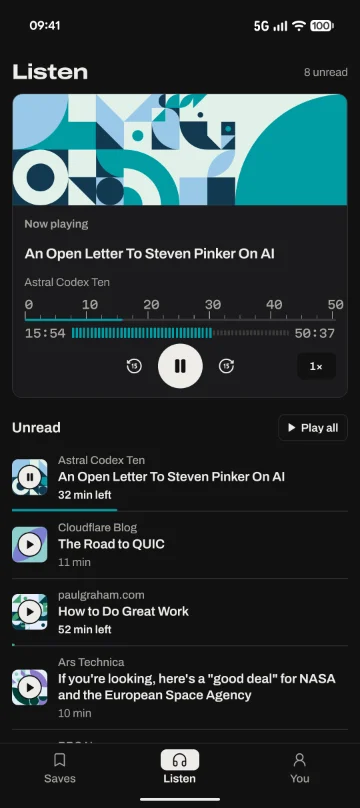
Any article can be read aloud in your phone's own voice. Lock the screen and keep listening, with the controls on the lock screen.
A read-it-later app is only useful if it actually keeps what you save. Kefli is built so that doesn't depend on us staying around.
Your saves are encrypted with your own key before they leave your phone, so we can't read what you've saved.
By default your encrypted library is also backed up on decentralised storage that no one company runs, Kefli included: every save, and its text up to your free 50 MB. If Kefli closed tomorrow, your library would still be there. How the copies work
Start a library and write down your recovery code. There's no email address, no password and no profile. No feed, no tags, no social layer either.
The apps are published under the AGPL, so anyone can read what they do and keep them running.
 Said KEF-lee
Kefli is Old Norse for a short wooden stick. Rune sticks, rúnakefli, were everyday notes and labels carved into wood so they could be carried and kept.
Many are still legible after centuries in the ground. We want your library to last like that, long after the hand that made it.
Kefli isn't on Google Play yet. Until it is, install it from Zapstore, or download the APK and install it yourself.
Coming to Google PlaySave the page you're reading with one click, and it's waiting on your phone. Works in Chrome, Brave and Edge.
The same extension for Firefox. Click once and the article is in your library.